Dallas Skylines 3D Shadow Box: A Creative Tool for Crafters and Designers
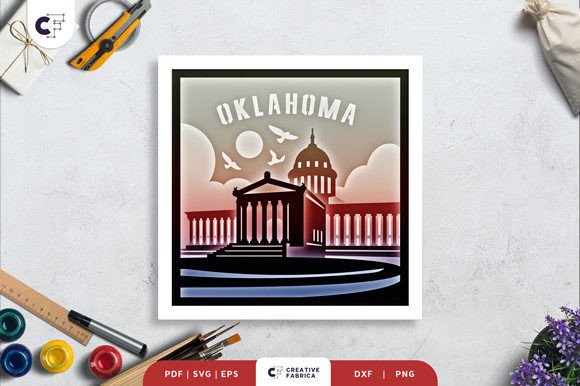
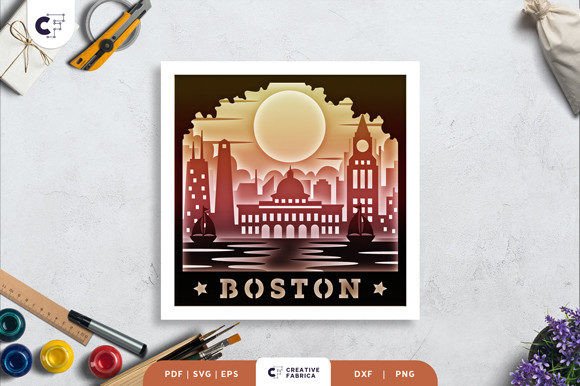
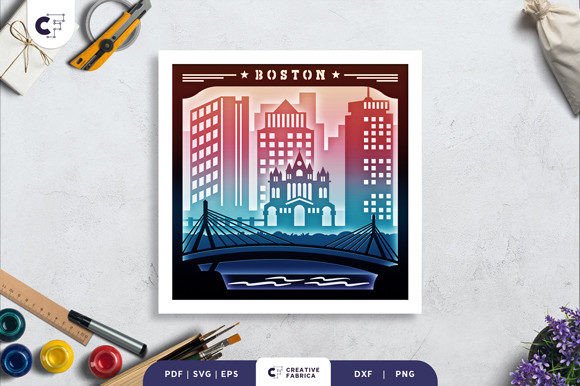
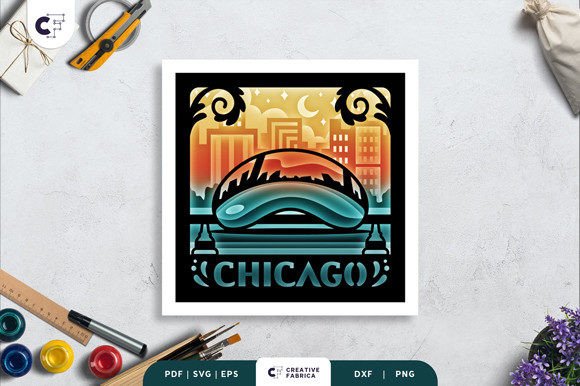
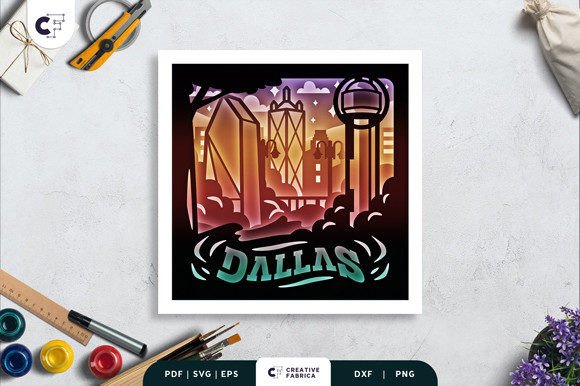
The Dallas Skylines 3D Shadow Box is a layered paper cutting template that brings the iconic skyline of Dallas to life in a stunning three-dimensional format. This creative tool is ideal for crafters, artists, and DIY enthusiasts who enjoy transforming simple materials into intricate designs. Whether you're looking to add a unique piece of art to your home or create a personalized gift, this shadow box offers endless possibilities.
Designed with precision, the Dallas Skylines 3D Shadow Box comes in multiple formats including SVG, PDF, EPS, PNG, and DXF, making it compatible with a wide range of cutting machines such as Silhouette, Cricut, and others. The template consists of eight layers, each carefully crafted to fit together seamlessly. With a size of 20.32 x 20.32 cm, it provides ample space for detailed work while remaining manageable for most crafting setups.
How the Dallas Skylines 3D Shadow Box Fits Into Your Workflow
Integrating the Dallas Skylines 3D Shadow Box into your workflow can enhance both your creative process and final output. Whether you're working on a personal project, a business-related task, or a special gift, this template offers a structured approach to building a visually appealing piece. Its layered design allows for easy assembly, ensuring that even those new to 3D paper crafts can achieve professional results.
Before starting, it's important to prepare your materials. You'll need cardstock, glue or double-sided tape, and optionally LED strips if you plan to use the shadow box as a light box. The Encore Cardstock 80 lb cover, 216 gsm, is recommended for its durability and quality. If you're not using a cutting machine, a craft knife and scissors will be necessary to cut out the individual layers.
Using the Dallas Skylines 3D Shadow Box in Different Scenarios
The versatility of the Dallas Skylines 3D Shadow Box makes it suitable for various applications. For instance, it can serve as a framed wall decoration, adding a touch of sophistication to any room. Alternatively, by incorporating LED strips between the layers, you can create a dynamic light box that highlights the details of the skyline in a unique way.
This template is also an excellent choice for gift-giving. Whether you're creating a personalized present for a friend, family member, or colleague, the Dallas Skylines 3D Shadow Box offers a meaningful and thoughtful option. Its detailed design ensures that the final product is both aesthetically pleasing and emotionally significant.
In a business context, the Dallas Skylines 3D Shadow Box can be used as a promotional item or a branded gift. Companies may choose to customize the design with their logo or branding elements, making it a valuable addition to their marketing strategy. This approach not only showcases creativity but also reinforces brand identity in a tangible way.
Practical Tips for Implementation
To ensure a smooth implementation process, start by familiarizing yourself with the file formats provided. The SVG file allows for easy resizing while maintaining the correct aspect ratio, which is essential for preserving the integrity of the design. If you're using a cutting machine, make sure to follow the manufacturer's guidelines for optimal performance.
When assembling the layers, take your time to align each piece correctly. Using a ruler or straight edge can help maintain consistency and prevent misalignment. Glue or double-sided tape should be applied sparingly to avoid excess buildup that could affect the overall appearance.
If you're planning to use the shadow box as a light box, consider the placement of the LED strips. They should be positioned behind the layers to illuminate the design without causing glare or shadows. Testing the lighting setup before final assembly can help identify any adjustments needed for the best visual effect.
Integration with Other Tools and Resources
The Dallas Skylines 3D Shadow Box works well with other crafting tools and resources. For example, it can be paired with digital design software to modify or enhance the template according to specific needs. This flexibility allows for greater customization and adaptability, making it a valuable asset in a variety of projects.
Additionally, the template can be used in conjunction with online tutorials or community forums where crafters share tips and techniques. These resources can provide further insight into advanced methods for assembling and displaying the shadow box, helping you refine your skills and improve the quality of your work.
For those interested in expanding their crafting capabilities, exploring different types of cardstock and adhesives can lead to more innovative results. Experimenting with various materials can add depth and texture to the final piece, enhancing its visual appeal and uniqueness.
Long-Term Use and Maintenance
Once completed, the Dallas Skylines 3D Shadow Box can be enjoyed for years with proper care. To maintain its appearance, avoid exposing it to direct sunlight or high humidity, which can cause fading or warping. Storing it in a cool, dry place will help preserve its quality over time.
Regular maintenance, such as gently dusting the surface, can also contribute to its longevity. If the shadow box is used as a light box, checking the LED strips periodically for any signs of wear or damage is advisable. Replacing faulty components promptly ensures that the display remains functional and visually appealing.
As your crafting skills develop, you may find new ways to utilize the Dallas Skylines 3D Shadow Box. Whether it's through experimentation with different materials or integrating it into larger projects, the potential for creativity is vast. This template serves as a foundation for future endeavors, encouraging continuous learning and improvement.