Editable 3D Neon Light Text Effect: A Practical Tool for Dynamic Visual Design
In the ever-evolving world of graphic design, having tools that streamline complex tasks while maintaining creative flexibility is essential. The Editable 3D Neon Light Text Effect is one such asset that has gained traction among designers looking to add a vibrant, modern touch to their projects without compromising on customization or quality. This text effect brings neon lighting aesthetics into vector-based workflows and offers a unique blend of usability and visual impact.
Understanding the Editable 3D Neon Light Text Effect
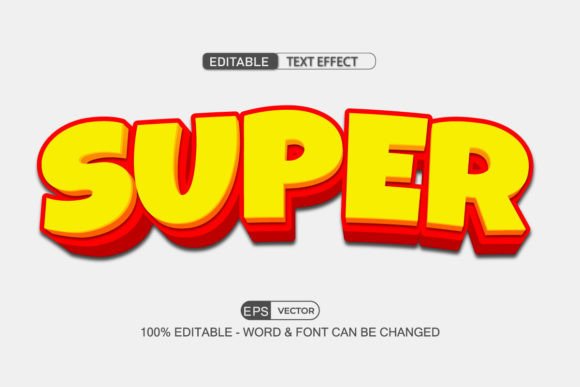
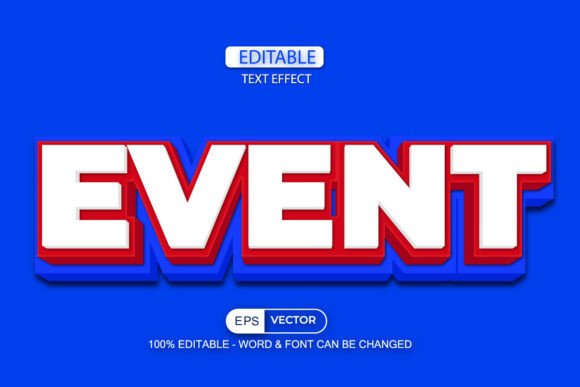
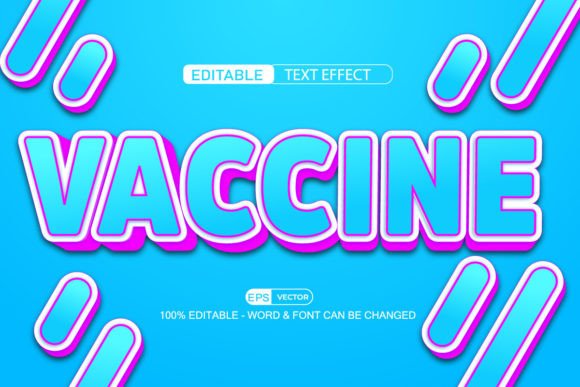
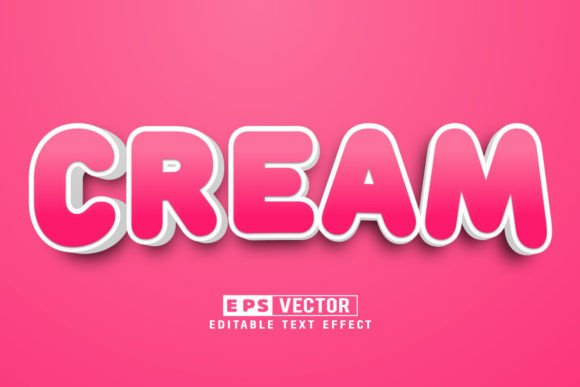
The Editable 3D Neon Light Text Effect is not a font but rather a dynamic Adobe Illustrator Graphic Style file that applies a stylized neon glow to any selected text or object. Unlike traditional fonts, it allows users to modify the underlying text — including changing words, adjusting spacing, and selecting different typefaces — after the effect has been applied. This makes it ideal for those who need to iterate quickly or adapt designs to evolving project requirements.
At its core, this tool is built using vector graphics, which ensures scalability without loss of quality. It leverages Adobe Illustrator’s Graphic Styles panel, allowing for non-destructive editing and consistent application across multiple elements in a document. These features position it as a versatile solution for both casual and professional design scenarios.
Key Features and Functional Benefits
- Full Editability: One of the standout aspects of the Editable 3D Neon Light Text Effect is its ability to remain fully editable even after applying the style. Users can change the text content, adjust font size, or switch to another installed font with ease, making it highly adaptable during the design process.
- Graphic Style Integration: As a saved Graphic Style, the effect can be reused across multiple layers or objects within an Illustrator file. This not only speeds up repetitive tasks but also maintains a uniform aesthetic when designing logos, banners, or other branding materials.
- Object Application: Beyond just text, this effect can be applied to shapes and icons by converting them into outlines or using the Appearance panel. This opens up new creative possibilities, especially in UI/UX design or promotional artwork where neon visuals are desired.
- Vector-Based Quality: Being a vector design means the effect retains crisp edges and clarity at any resolution. This is particularly important for print media, digital assets destined for high-resolution displays, or large-scale signage where pixelation is unacceptable.
- Compatibility Requirements: The effect is compatible with Adobe Illustrator CC 2017 and later versions, ensuring access for most modern designers. However, it's worth noting that earlier versions won’t support it, so compatibility should be verified before purchase.
Real-World Applications and Performance
Designers often use neon effects to evoke a sense of energy, modernity, or retro-futurism. The Editable 3D Neon Light Text Effect fits seamlessly into these contexts. For instance, a small business owner launching a new tech startup might apply this effect to a logo or website header to convey innovation and excitement. Similarly, event planners could use it to create eye-catching posters for nightclubs, festivals, or themed parties.
In practice, the performance of this effect depends heavily on how it's implemented. When used on simple text layers with minimal strokes or glyphs, it works exceptionally well. But when applied to more intricate typography or custom-designed lettering, some tweaking may be necessary to ensure the neon glow aligns properly and doesn’t distort the original shape.
A case example involves a freelance marketer tasked with creating a social media campaign for a gaming brand. By applying the Editable 3D Neon Light Text Effect to key headlines like "Level Up Your Game" and "Unleash the Power," they were able to produce visually striking graphics that resonated with the target audience. The ability to tweak the wording and font mid-project was crucial for meeting tight deadlines and client feedback cycles.
Who Can Benefit from Using This Tool?
This tool is particularly valuable for professionals and creatives whose work frequently requires quick adjustments and bold visual styles. Here are a few categories of users who might find it useful:
- Graphic Designers: Those working on branding, editorial design, or promotional materials will appreciate the speed and consistency it offers.
- Marketing Professionals: Creating engaging social media posts, ads, or email headers with a neon aesthetic can help capture attention in crowded digital spaces.
- Entrepreneurs and Small Business Owners: Building a cohesive visual identity for a product or service launch becomes easier with a reusable, customizable text effect.
- Freelancers and Bloggers: For content creators who rely on visual appeal to drive engagement, this tool provides a quick way to enhance headers or call-to-action sections.
- UI/UX Designers: Incorporating subtle neon glows into app interfaces or web designs can add depth and visual interest without overcomplicating the layout.
While it's not intended for typographic purists who require fine-grained control over every curve and stroke, the Editable 3D Neon Light Text Effect serves as a time-saving asset for anyone needing a vibrant, stylized look without the hassle of manual layering and blending.
Evaluating Usability and Workflow Fit
From a usability standpoint, the tool is straightforward. Once imported into Adobe Illustrator, it functions like any other Graphic Style. Users select the text or object and click the style to apply it. The real value comes from the post-application edits that are possible — something many similar tools do not offer.
However, there are some limitations to consider. Since it relies on existing fonts installed on your system, you’ll need to have appropriate fonts available to achieve the desired result. Additionally, the effect may not perform optimally if applied to text with unusual spacing or formatting. In such cases, manual adjustments might be needed to preserve the integrity of the design.
For those already comfortable with Adobe Illustrator, integrating the effect into their workflow is seamless. Beginners, though, may benefit from a brief tutorial to understand how Graphic Styles function and how best to apply and edit them. Fortunately, most resources come with instructions or sample files that guide users through the setup process.
Quality, Consistency, and Long-Term Value
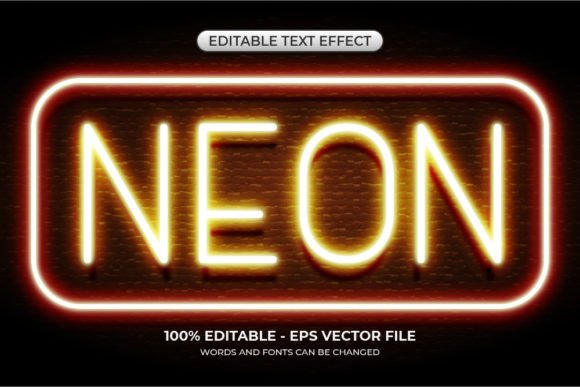
When evaluating the quality of the Editable 3D Neon Light Text Effect, it's clear that the design team put considerable thought into achieving a realistic neon glow. The lighting and color gradients mimic actual neon signs, giving the final output a polished and professional appearance. Whether you're aiming for a subtle glow or an intense electric pulse, the results are visually convincing.
Consistency is another strong point. Because it's a Graphic Style, the same effect can be applied to multiple elements throughout a project, ensuring a unified look and feel. This is especially helpful when creating multi-page documents, presentations, or entire branding kits that require a recurring visual motif.
Long-term value hinges on the frequency of use. If your projects regularly involve neon-style typography or you work in industries that favor such aesthetics (e.g., nightlife, entertainment, gaming), this effect will likely become a staple in your toolkit. For occasional users, it remains a handy shortcut for specific design needs without requiring investment in more complex tools or techniques.
Practical Recommendations and Limitations
To get the most out of the Editable 3D Neon Light Text Effect, start by testing it on basic text before applying it to more complex layouts. This helps identify how the glow interacts with different fonts and spacing settings. Also, consider pairing it with additional effects — such as drop shadows or gradients — to further enhance the visual depth.
Here are a few practical recommendations:
- Use it on uppercase or bold fonts for maximum impact, as thinner or script fonts may not hold the neon effect as cleanly.
- Experiment with different colors and lighting angles to match the mood or theme of your project.
- Save variations of the style for common use cases, like headlines, titles, or buttons, to maintain efficiency.
- Always check the rendered output at full scale and on various backgrounds to ensure readability and visual harmony.
Despite its strengths, the tool does have some constraints. It cannot be exported directly into After Effects or Photoshop without additional steps, limiting its use in motion graphics or photo composites. Additionally, because it’s not a standalone font, it requires a compatible base font to work effectively, which might necessitate font licensing considerations in commercial projects.
Final Thoughts
The Editable 3D Neon Light Text Effect is a powerful yet accessible tool for designers seeking to incorporate neon aesthetics into their work without the complexity of manual layering. Its combination of vector precision, post-editability, and integration with Adobe Illustrator makes it a solid choice for a range of applications, from marketing campaigns to digital illustrations.
If your workflow includes frequent use of stylized text or you’re looking to elevate the visual appeal of your designs quickly, this effect is worth exploring. However, if your needs demand ultra-detailed typography or cross-platform compatibility beyond Illustrator, you may want to explore complementary tools or methods to supplement its use.
Ultimately, the Editable 3D Neon Light Text Effect stands out for its balance between simplicity and sophistication. It’s a testament to how thoughtful design tools can empower creativity while respecting the realities of modern design practices.